
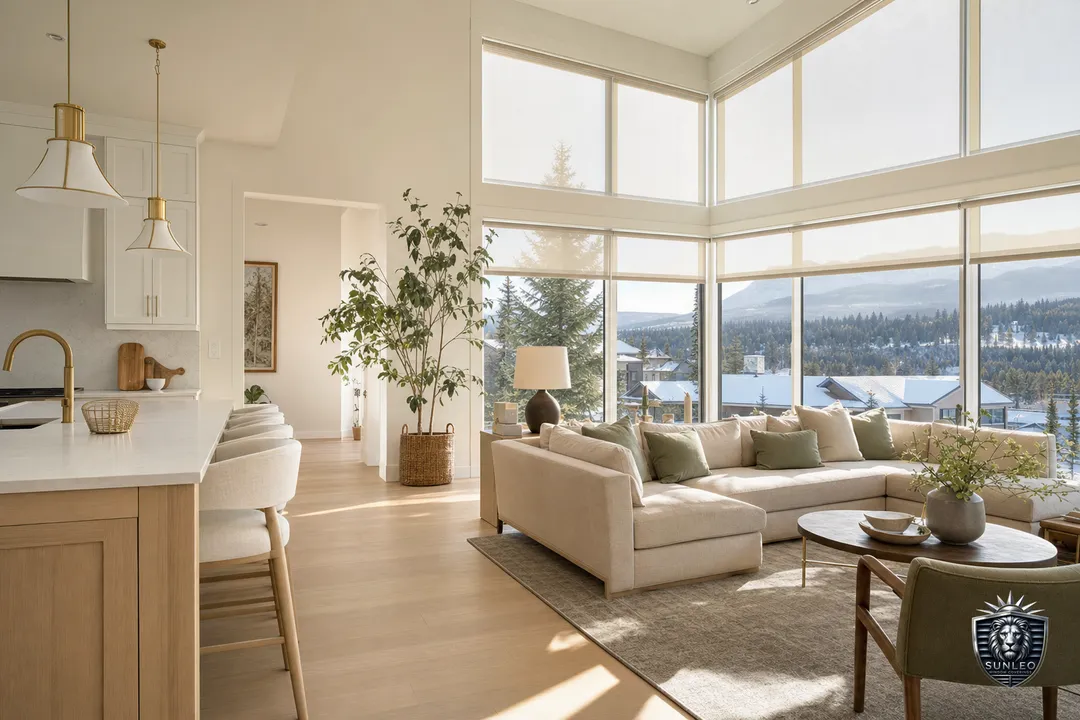
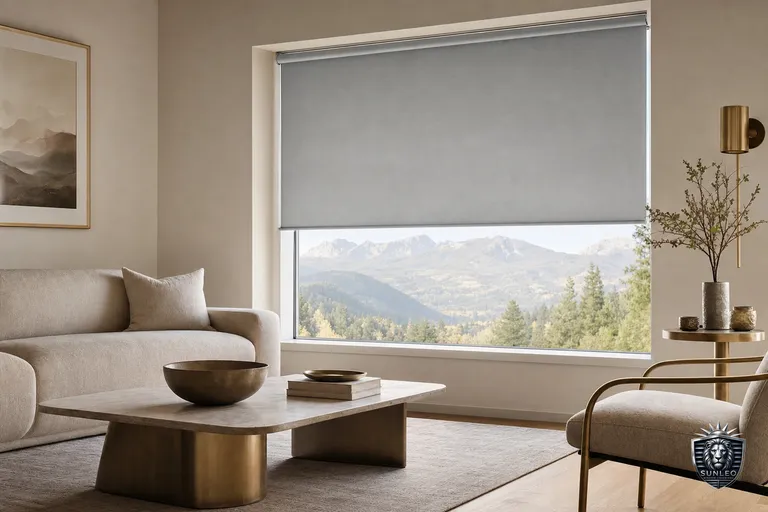
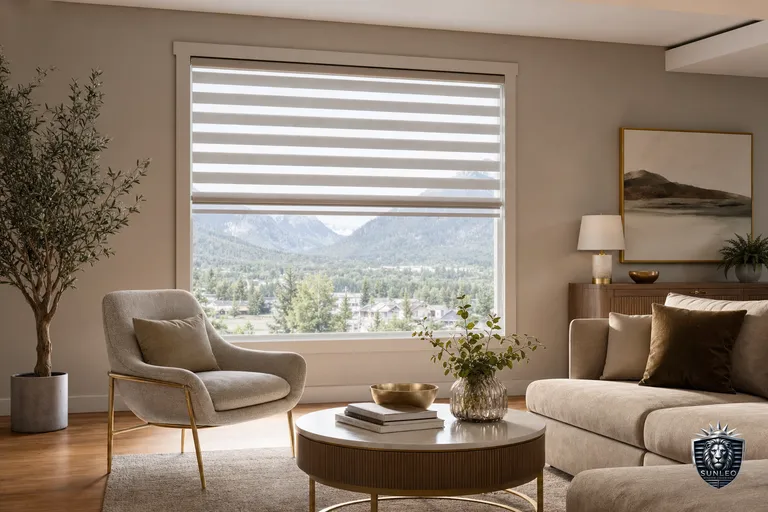
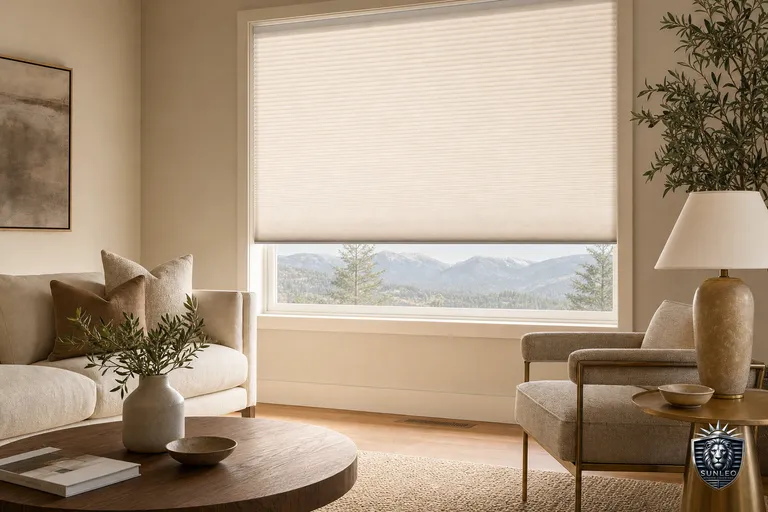
Anyone who has tried to read a screen at 3 p.m. in a west-facing Calgary office knows the problem: low, hard prairie sun rakes straight across your monitor, washes out the display, and turns video calls into a silhouette. Our light is intense — high altitude means stronger UV, winter sun sits low all day, and a January Chinook can swing the room temperature in hours. A home office needs blinds that cut glare without plunging you into a cave, hold privacy from neighbours, and give you a clean, evenly lit backdrop for calls. Sunleo is a mobile service built for exactly this: there's no showroom to drive to. A consultant comes to your home office, measures your actual windows, and lets you hold zebra, roller, sheer and honeycomb samples against your own light at the times of day you actually work. You get a clear written quote within 48 hours — no pressure, no online cart, just the right fit for the room.
Killing screen glare without losing the daylight
The single biggest complaint in a home office is glare on the monitor, and the fix that frustrates people most is a blackout blind — it solves glare by killing the room, forcing you to work with the lights on at noon. The smarter answer for most Calgary offices is a zebra blind or a sheer shade. Their alternating sheer and solid bands let you knock down the harsh edge of low afternoon sun, cut monitor glare, and still see the yard, the mountains, or the street — the daylight comes through softened rather than blocked. A light-filtering roller does the same job more simply, though it hides the view while it is down. The honest trade-off: sheer bands are not a privacy blind after dark. Once your interior lights are on and it's black outside, people can see in through the sheer sections, just as you can see out during the day. That's a real consideration for a ground-floor or street-facing office. Two common solutions are closing the zebra's solid bands fully or pairing a light-filtering roller with a second blackout layer on a dual roller for the evening. The other thing to know about Calgary specifically: our UV load is high at altitude, so keeping a blind down through peak sun protects desk finishes, leather chairs, and artwork from fading — a benefit a bare window won't give you.
A clean, professional backdrop for video calls
Camera glare is its own problem. A bright window directly behind you throws your face into shadow and makes you look like a witness in protection; a window beside you can blow out half the frame. The goal for calls is soft, even, diffused light — and that's where the fabric choice matters more than the blind type. A light-coloured light-filtering roller or a sheer-fronted blind diffuses incoming daylight into a flattering wash rather than a hard beam, so you stay evenly lit through the day. Zebra blinds (alternating sheer and solid horizontal bands) are popular for offices because you can dial the exact amount of light in seconds — sheers aligned for a bright airy room, or staggered to cut a low-sun beam off your face mid-meeting. The honest trade-off with zebra: the banded look reads as modern and tidy on camera, but the sheer bands offer limited night privacy, so a street-facing office may want a different pick. Whatever fabric you choose, a plain, uncluttered blind in a neutral tone (warm white, greige, soft grey) photographs far better behind you than a busy pattern or a bright primary colour, which the camera tends to over-saturate. During your in-home visit we'll hold samples behind your actual desk chair and check them against your webcam, because the only backdrop that matters is the one your colleagues see.
Privacy and focus without sealing yourself in
A home office often sits at the front of the house, facing the street, or looks straight into a neighbour's window across a tight Calgary lot. You want to be unseen at your desk without working in the dark. Daytime, almost any light-filtering or sheer-banded blind gives you one-way privacy — you see out, they don't see in — because the light is brighter outside than in. The problem flips after sunset. The most reliable approach for a room you also work in at night is a top-down/bottom-up honeycomb shade or a dual roller: you can cover the lower half of the window for privacy while leaving the top open for sky light and a sense of openness, which matters a lot for focus and not feeling boxed in. A dim-out or blackout roller left down does the same job on a window that is purely for light and never for view — it holds privacy around the clock, but you give up the view entirely while it is closed, so it suits a side or bathroom-adjacent office window more than a main one. The honest trade-off across all of these is the classic seesaw: more privacy almost always costs you some view or some light, and the right balance depends on which hours you actually work and where the room faces. There's no universal answer, which is exactly why measuring the room and watching how light moves through it beats guessing from a catalogue.
Calgary cold, Chinook swings, and the comfort factor
Glare gets the attention, but temperature decides whether you actually enjoy sitting in the room. A home office is often a converted bedroom or a bonus room with a single large window, and in a Calgary winter that glass is the coldest surface you'll sit beside for eight hours. Cellular (honeycomb) shades are the standout here: the honeycomb pockets trap a layer of air against the window, measurably slowing heat loss on a -25°C morning and reducing that cold draught that makes your hands stiff at the keyboard. They also help in reverse during a summer afternoon or a sudden Chinook, holding some of the heat out. The honest trade-off: a standard honeycomb is a light-filtering or blackout fabric, not a view-through sheer, so on its own it doesn't give you the see-out-keep-glare-down benefit of a zebra — which is why many offices end up with honeycomb on a cold north window and a zebra on the bright west one, rather than one product everywhere. Chinooks also bring fast temperature and pressure swings that can make a poorly chosen blind expand, sag, or rattle near a forced-air vent; quality components and a proper bracket fit matter more here than in a milder climate. We size and spec for the room's exposure, not a one-size catalogue default, so the blind performs through both ends of Calgary's range.
Reach, cords, and whether to motorize
Home-office windows are often awkward: tall, set behind a desk you don't want to crawl over, or in a bonus room with a window above a stair landing. That's the practical case for motorized blinds — a rechargeable or hardwired motor lets you adjust a hard-to-reach blind from a remote, a wall switch, an app, or a voice assistant (Alexa, Google Home, and Matter-compatible setups). The genuinely useful part for an office isn't the gadget factor; it's scheduling. You can have the west blind drop to a glare-cutting position automatically at 2 p.m. so the afternoon sun never hits your screen, then open again at end of day. It's also the safest choice if the office doubles as a kids' or guest room, since there are no cords. The honest trade-offs: motorization adds cost per window, battery motors need recharging every several months to a year depending on use and window size, and hardwired versions are cleanest but want planning before drywall or an electrician. For a single easy-to-reach office window, a quality manual blind is perfectly good and saves money. Motorization earns its keep on tall, wide, behind-furniture, or multiple windows you'd otherwise never bother to adjust. During the in-home measure we'll tell you honestly which windows are worth motorizing and which aren't — and the written 48-hour quote breaks out the cost per window so you can decide window by window.


