Smart Home
How to Connect Motorized Blinds to Alexa, Google Home and Apple Home
Smart blinds sound complicated, but the day-to-day experience is simple: you say "open the living room blinds," tap a button, or let them raise themselves at sunrise. The setup behind that convenience is where most people get stuck. This guide explains, in plain terms, how motorized blinds connect to Alexa, Google Home and Apple Home, what a hub actually does, which blind styles can be motorized, and what Sunleo handles for you during a Calgary install so you are not left troubleshooting on your own.
How smart blinds connect to your voice assistant
Motorized blinds do not talk to Alexa, Google Home or Apple Home directly. They speak a low-power radio language (commonly RF or Bluetooth), and a small device called a hub or bridge translates that into commands your assistant understands over your home Wi-Fi. Once the hub is on your network and linked to your account, each blind shows up as a device you can name, group and control.
There are two paths, and Sunleo will recommend the right one for your home:
- Dedicated hub or bridge: A small plug-in box pairs with your blinds and connects to your router. You link it once to Alexa, Google Home or Apple Home and every blind appears automatically.
- Matter or built-in Wi-Fi: Newer motors support Matter, the cross-platform smart-home standard, so they can join Apple Home, Alexa and Google Home with less hardware. We confirm compatibility before quoting so you are not locked to one ecosystem.
Setting up Alexa, Google Home and Apple Home
The core steps are the same across platforms: pair the hub, add your blinds, then organize them by room. The differences come down to which app you live in. Here is what to expect with each.
- Amazon Alexa: Enable the blind brand's skill in the Alexa app, sign in, and Alexa discovers your blinds. Then say things like "Alexa, set the bedroom blinds to 50 percent."
- Google Home: Tap add device, choose "works with Google," link the account, and assign each blind to a room. Voice commands work through any Nest speaker or your phone.
- Apple Home: If your motor supports Apple Home (via Matter or a compatible bridge), scan the pairing code, place blinds into rooms, and control them with Siri, the Home app, or your Apple Watch.
- Cross-platform homes: Many Calgary households mix an Amazon Echo in the kitchen and an iPhone in everyone's pocket. We set blinds up so they respond on whichever assistant you actually use.
Scenes, schedules and sun sensors
Voice control is the fun part, but automation is what saves you money and effort through a long Calgary winter and bright summer. Once your blinds are connected, you can build routines that run without you lifting a finger.
- Scenes: One command moves several blinds at once. A "Good Morning" scene can raise the kitchen and living room blinds together; "Movie Night" lowers the media room.
- Schedules: Set blinds to open at sunrise and close at sunset automatically. Times can follow the clock or track Calgary's actual sunrise, which shifts dramatically between December and June.
- Sun and temperature triggers: Optional sensors lower blinds when strong south-facing sun hits, reducing heat gain and glare, then raise them when it passes. This helps protect floors and furniture from UV fading.
- Away and security routines: Blinds that open and close on a schedule make a home look occupied while you are travelling.
Which blind styles can be motorized
Not every window needs the same product, and most of our core styles are available with a motor. During your in-home visit we confirm what works for each opening, since very large, very small, or unusually shaped windows have different motor and battery needs.
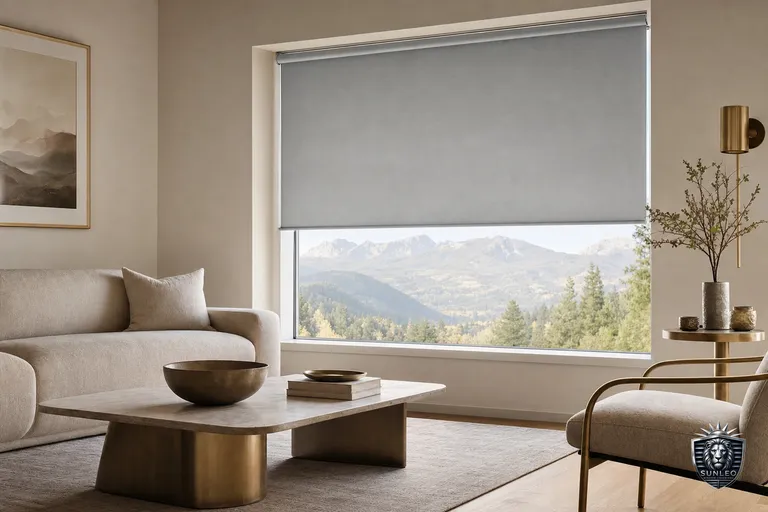
- Roller blinds: The most common motorized choice, ideal for light-filtering and blackout fabrics in bedrooms, living rooms and offices.
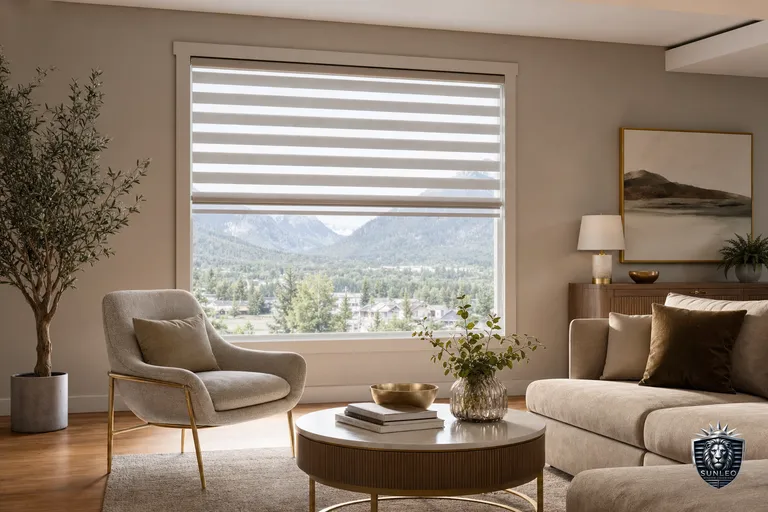
- Zebra and day-night blinds: Motorized tilt between sheer and solid bands for flexible light control.
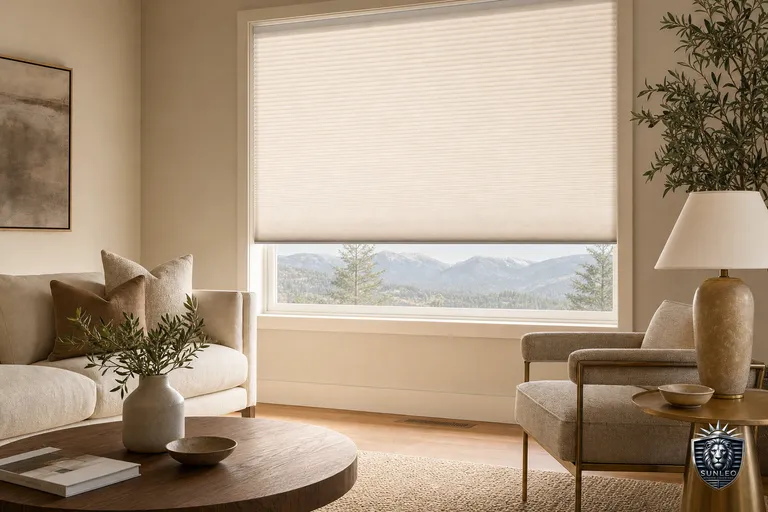
- Honeycomb (cellular) shades: A strong pairing with motorization for energy efficiency on Calgary's coldest days.
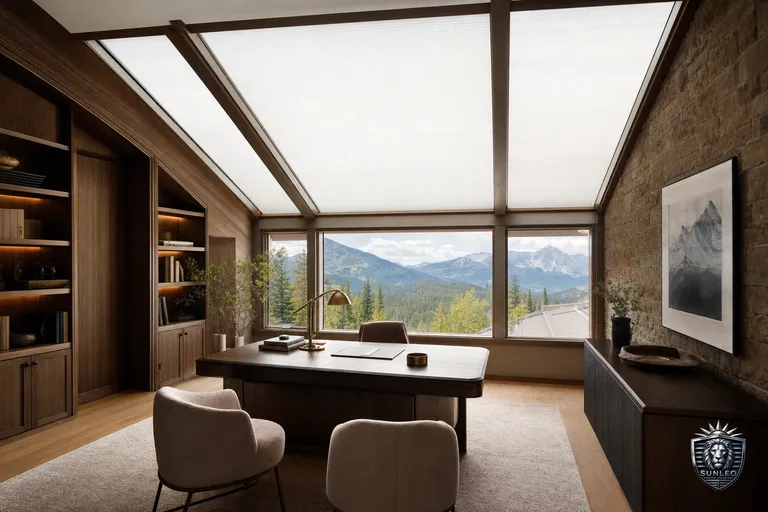
- Skylight blinds: Often the best motorization candidate because the windows are hard to reach by hand; track-guided systems keep the fabric tidy.
- Roman shades, faux wood and other styles: Many can be motorized too; we'll tell you honestly during measurement what suits each window.
Battery, wired or solar power
Power is the question we get asked most. There is no single right answer, and the best option depends on the window, your wall access and how often you want to think about charging.
- Rechargeable battery: The most flexible, no electrician needed. You recharge a slim battery wand every several months to a year depending on use.
- Solar top-up: A small panel on sunny windows extends battery life, useful for high or hard-to-reach blinds.
- Hardwired: The most seamless and maintenance-free option, best planned during a renovation or new build when wiring is accessible.
- We size the power option to each room so heavy blackout blinds in a sun-starved north room are not on the same plan as a small sunny kitchen window.
What Sunleo sets up for you
You do not have to become a smart-home expert. The point of an in-home appointment is that the technical work happens for you, in your home, on your network. Here is what we handle so the system simply works on day one:
- Measure every window and recommend which styles to motorize and which to keep manual.
- Install the blinds and mount or place the hub so it has a strong, stable connection.
- Pair each blind to Alexa, Google Home or Apple Home using the assistant you already use.
- Build your first scenes and schedules, set room names, and test every voice command with you.
- Show you how to add a routine, rename a blind, or recharge a battery so you stay in control after we leave.