Smart Home
Smart Blind Automation Scenes: What to Do Once You're Connected
Getting your blinds talking to Alexa, Google Home, or Apple Home is only step one. The real payoff of motorization is what you build on top of that connection: scenes that move your blinds automatically, in sync with light switches, thermostats, and locks, so your home actually runs itself a little. Below are the automation ideas Calgary homeowners use most once their blinds are wired into a smart-home routine, plus how each one is typically set up across the three major platforms.
Good Morning: Wake Up to Natural Light
Instead of a jarring alarm, let daylight do the work. A Good Morning scene opens bedroom or living room blinds gradually around sunrise (or a fixed time), often paired with warming up the thermostat and turning on a soft lamp.
- Trigger by time-of-day or sunrise offset (e.g., '30 minutes before sunrise')
- Stagger rooms: bedroom first, then kitchen and living room a few minutes later
- Pair with a smart plug turning on a coffee maker for a true 'wake sequence'
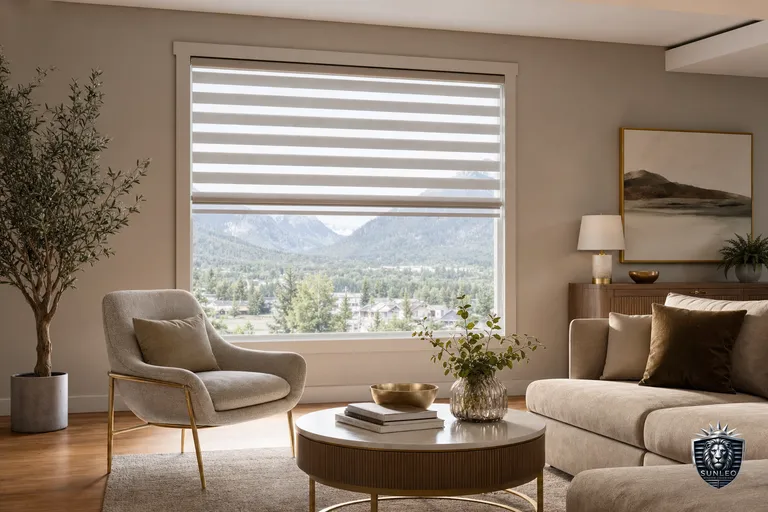
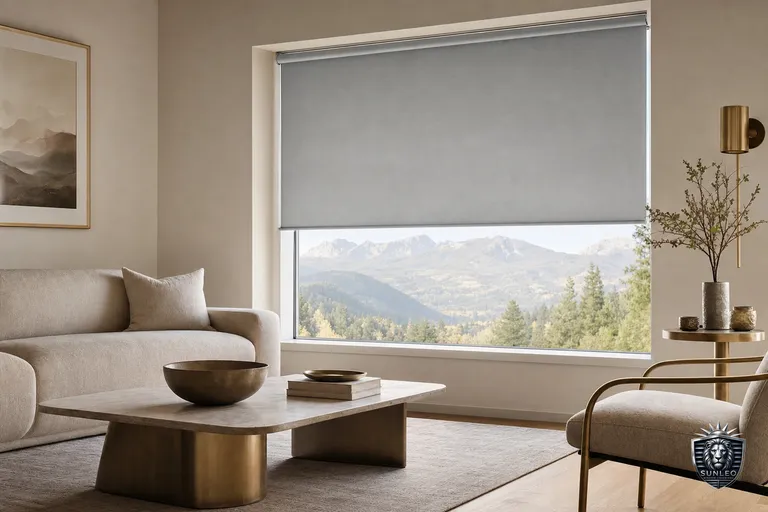
- Use blackout roller blinds or zebra blinds in bedrooms so the scene has a real light-to-dark contrast to work with
Movie Night: Close and Dim in One Command
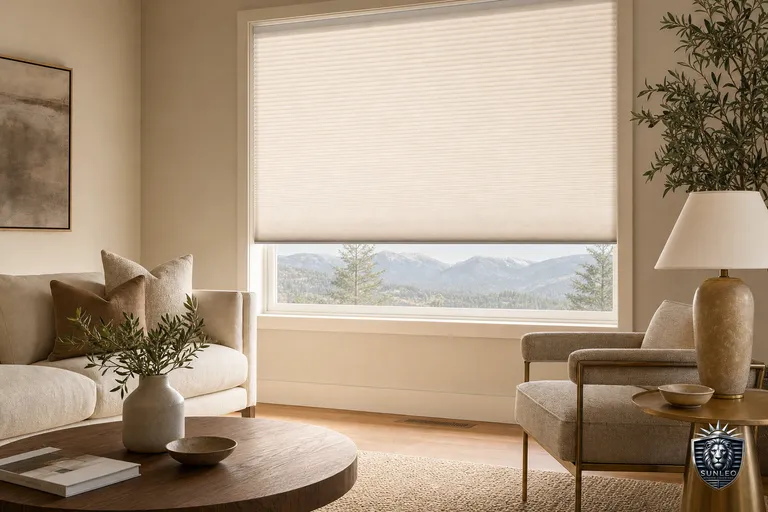
One voice command or app tap closes the living room blinds, dims connected lights, and can drop a smart plug for a projector or soundbar into standby power. This works best in rooms with blackout roller blinds or heavier honeycomb shades, since sheer fabrics won't fully kill afternoon glare on a screen.
- Say 'Hey Google/Alexa, movie night' to trigger blinds + lights + AV power together
- Set a companion 'Movie's Over' scene that reopens blinds and restores normal lighting
- For rooms with big west-facing windows, combine motorized blackout blinds with a secondary sheer layer for daytime screening without full dark
Away Mode: Randomized Movement for Security
A static, always-closed house signals nobody's home. An Away scene instead randomizes blind (and light) movement across the day within a set window, so the house looks lived-in while you're at work or on vacation. Most platforms support 'random delay' or multiple time-based triggers within a scene so movement isn't on a predictable schedule.
- Set 2-3 randomized open/close windows per day instead of one fixed time
- Layer with smart plugs on lamps for a more convincing occupied look
- Combine with door/window sensors so an unexpected door open can trigger an immediate 'occupied' response
- Especially useful for street-facing rooms and home offices with visible windows
Nap Time and Quiet Hours
A quick scene for closing a nursery, bedroom, or home office on demand, without digging through an app. Works well as a single voice phrase or a physical smart button by the door.
- 'Nap time' closes nursery blinds and can lower connected lights
- Pair with a 'do not disturb' style scene that also silences a smart speaker in that room
- Cellular/honeycomb shades add insulation as a bonus, keeping the room cooler for daytime sleep
Building Scenes Across Alexa, Google Home, and Apple Home
The concept is the same everywhere, but where you build the scene differs slightly.
- Alexa: create a Routine, add your blind device(s) as an action, then stack lights/plugs/thermostat into the same routine
- Google Home: create a Scene or Automation in the Google Home app, set blinds plus other devices as actions, and choose a time, sunrise/sunset, or voice phrase trigger
- Apple Home: build a Scene, then use Automations to run it on a schedule, at sunrise/sunset, or when someone leaves/arrives
- Matter-compatible motorized blinds show up consistently across all three, so one setup generally carries over if you switch ecosystems later